Nothing Essential Apps Beta on Nothing Playground is quietly becoming one of the most exciting parts of the Nothing Eco-system.
While most discussions focus on hardware like Phone (2) and Phone (3a), or the upcoming release, the genuine innovations might be happening inside Nothing OS.
After exploring the Essential app beta, here are the Top 5 Essential Apps on Nothing Playground that feel genuinely useful, thoughtful, and aligned with Nothing’s minimalist design philosophy.
If you use a Nothing phone and love to use different fun widgets, customization, and practical tools, this list is for you.
What Are The Nothing Essential Apps On Nothing Playground?
Nothing Playground, currently in beta, is where community users can build apps and widgets for testing and refinement before a wider rollout.
All these apps are:
- Designed with Nothing’s clean aesthetic in mind
- Widegte is focused on the home screen utility
- Build around minimalism and daily utility
Let’s now deep dive into more with the best once essential beta apps for you:
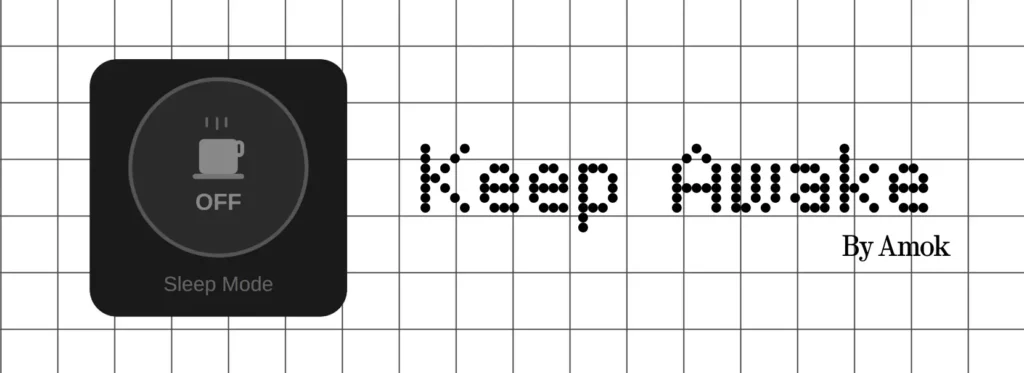
5. Screen Stay-Awake Tap
What does it?
Prevents the screen from turning off instantly with a single tap.
Why is this useful?
This small utility solves a common frustration, such as adjusting the screen timeout. Instead of t digging into the settings to adjust the screen brightness, you can now keep your display active with a single tap.
Pros
- Fast Access settings
- No Settings navigation required
- Simple and practical app
Cons
- Need better visual polish to match the Nothing design language fully
Who should use it?
Anyone who reads long articles, watches content, or references their phile while working.
4. Stock Tracker Widget
What does it?
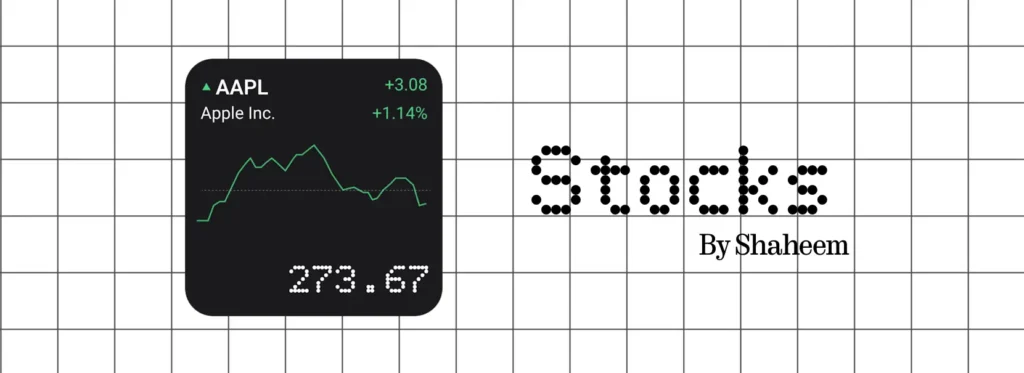
This widget helps to display multiple stocks along with key market details directly on the home screen.
Why is this useful?
For users who actively track the stock market, this widget makes it easy to monitor performance without opening a third-party finance app.
Pros
- Clean and minimal interface
- Useful for daily market watchers
- Quick-glance stock updates
Cons
- Limited stock availability
- Need broader exchange supports
Who should use it?
This widget is best for investors, traders, and finance enthusiasts using the Nothing OS.
3. Live CPU Starts Widgets
What does it?
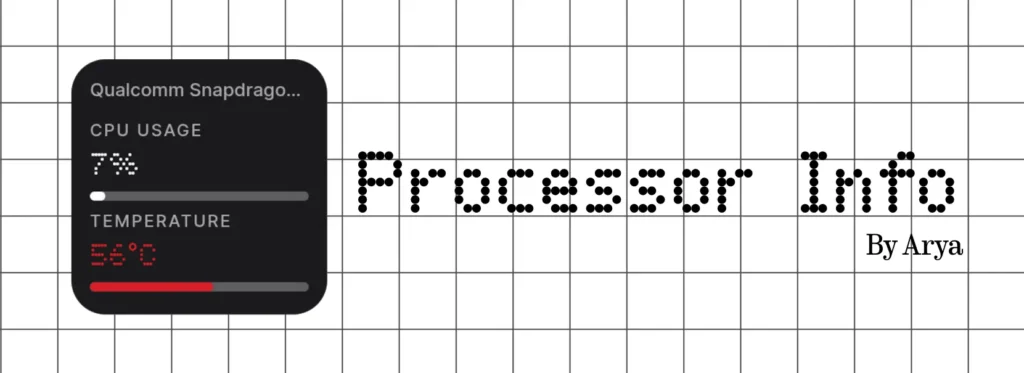
This widget shows the processor name, temperature, and usage in real time on the home screen.
Why is this useful and interesting?
This app reflects Nothing’s experimental side. It provides system-level transparency that tech enthusiasts appreciate.
Pros
- Real-time hardware insights
- Fits nicely into Nothing’s widgets layout
- Great for a performance monitor
Cons
- Niche apparel for casual users
Who should use it?
This widget is perfect for the power users and performance geeks.
2. Lumar Cyccle Visuallizer
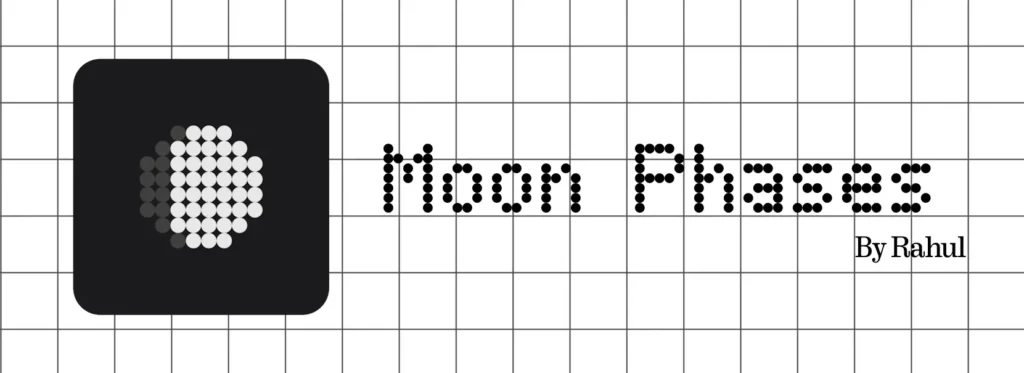
What does it?
This widget helps to display the Lumbar Cycle visually on your Nothing Phone Home screen.
Why is this useful?
This is one of the most visually calming apps in the beta. It adds personality and ambient information to Nothing OS.
Pros
- Strong visual design
- Informative yet minimal
- Adds aesthetic value
Cons
- Missing deeper data, like illumination percentage
- Could include more detailed Lumar metrics
Who should use it?
This widget is best for users who love aesthetic widgets and subtle information.
1. Year Countdown widgets ( until December 31st)
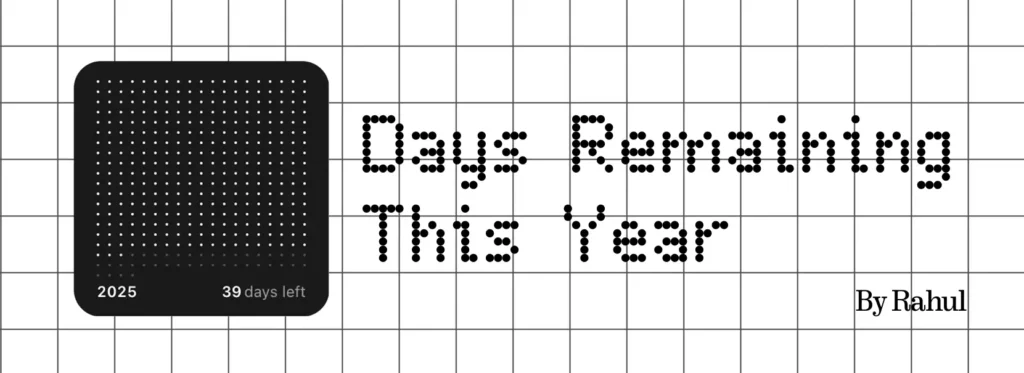
What does it?
This year’s countdown widgets are minimal visual countdowns showing progress throughout the year.
Why is this the Best Essential App ( So For)?
It is simple, motivating, and clean.
Instead of numbers cluttering your home screen, it visualizes time passing through the year in a beautifully minimal format, which is perfectly aligned with Nothing’s design philosophy.
Pros
- Extremely clean UI
- Emotinatinal and motivating
- Elegant representation of the yearly process
Cons
- Could use a month-wise breakdown
- Needs additional customization options
Why it ranks #1:
This year’s countdown widgets blend functionality with emotional design, something that Nothing excels at.
Why Essential Apps Could Define Nothing OS
Nothing OS has always focused on:
- Clean visuals
- Widget-first design
- Minimalism with purpose
The Essential Apps beta shows that Nothing is exploring community-driven software innovation.
If Playground continues evolving, it could become a defining feature of the ecosystem, similar to how widgets define iOS and customization defines Android skins.
This isn’t just about apps. It’s about shaping Nothing’s software identity.
Final Thoughts: Are Essential Apps Worth Trying?
If you are using a Nothing Phone, the Essential Apps beta is worth exploring. Some apps are niche, some need polish, but the direction is promising.
The Biggest takeaway?
Nothing isn’t just building hardware, it’s creating a software culture around design and utility.
